
How Psychology Shapes An Effective Website Homepage
As designers, we love big, beautiful homepages—striking photos, smooth animations, and gorgeous fonts. But browsing online comes down to one blunt truth: visitors decide whether to stay or leave in about 0.05 seconds.
Great website design is about more than making things look pretty; it’s about making things easy to understand fast. Here is what happens in a visitor’s mind the moment they land on your site—and how smart layout choices turn quick clicks into real interest.
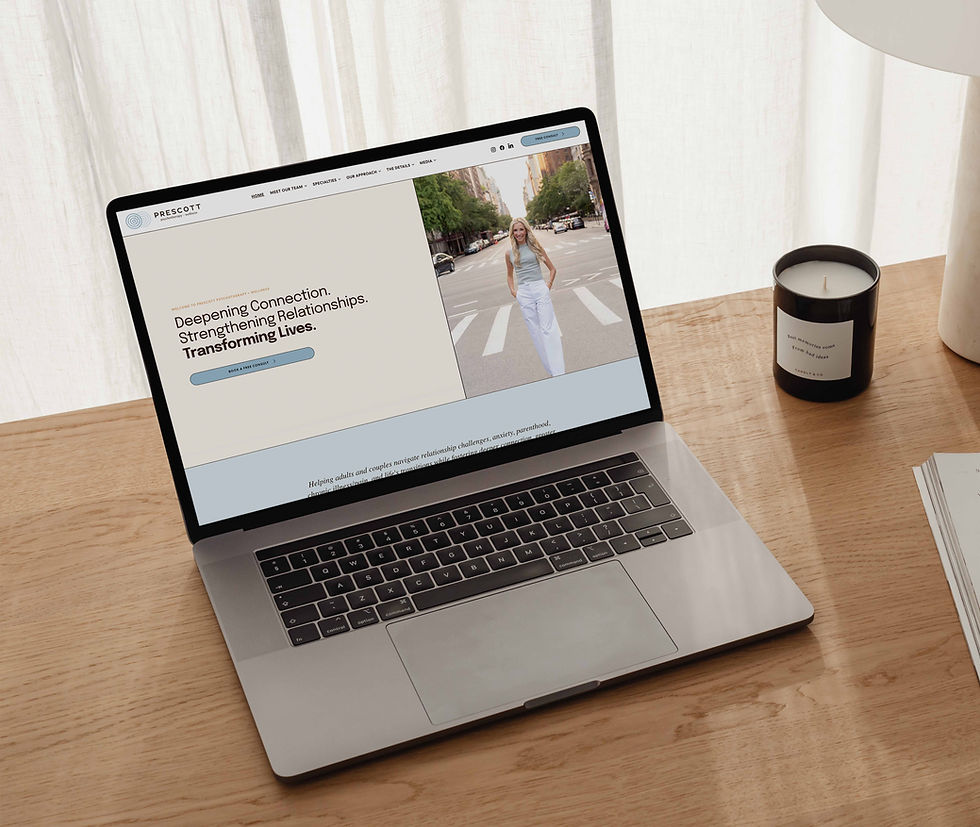
1. Design Layout for Quick Understanding
Simply put, people love things that are easy to understand. The harder someone's brain has to work to figure out what you do, the faster they lose interest and leave.
When clients ask to "put everything front and center," they unintentionally push visitors away instead of keeping them on the page.
As designers, our job is to make things easy to process:
One clear main focus: Make sure visitors instantly understand what the business offers before you ask them to buy, book, or sign up.
White space that gives the eyes a break: Leaving open space around text and images lets people digest one idea at a time without feeling overwhelmed.
Simple, intuitive menus: Make the pages of your site easy to navigate and find. Show off your creativity through brand colors, imagery, and copywriting.
2. Design Text for Optimal Scanning
Nobody reads a website word-for-word like a novel. Instead, visitors scan for landmarks that tell them they are in the right place. Studies tracking eye movement show that people look across screens in very predictable ways:
The F-Shape: When a page has a lot of text, people glance across the top headline, skim a bit lower across a subhead, and then slide straight down the left margin to pick out bullet points or bold words.
The Diagonal Sweep: On balanced, visual pages, the eye naturally begins in the top-left corner and drifts down toward the bottom-right.
You don't need to reinvent how people read. Putting your logo in the top left gives immediate brand recognition, placing a punchy headline across the top captures interest, and dropping your primary button near that bottom-right path gives visitors an obvious next step.
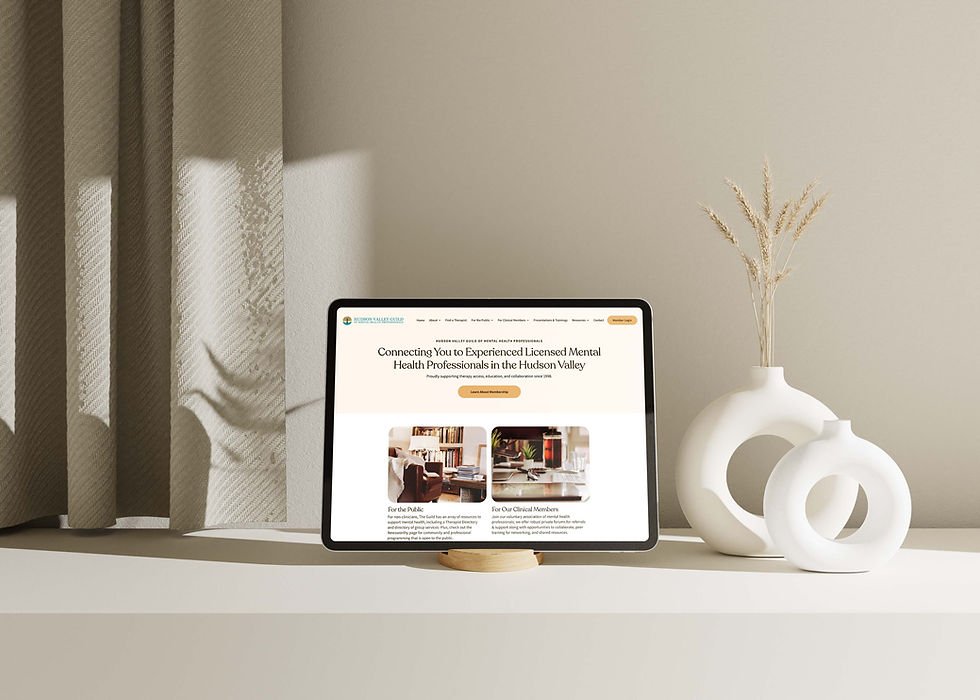
3. Design Content by Grouping Ideas Together
When information is scattered, visitors have to work to connect the dots. Organizing your layout visually tells people which details belong together:
Keep related items close: A button should sit right next to the sentence explaining what it does. If it drifts too far away, visitors won't connect the two.
Use clean cards and boxes: Placing services or pricing packages inside visual containers tells the reader, "This is one complete thought."
Make the important stuff pop: If every headline, button, and paragraph uses the exact same size and weight, nothing feels important. Size and color contrast act like signposts showing people where to look first.
4. Design Images to Point People Where You Want Them to Look
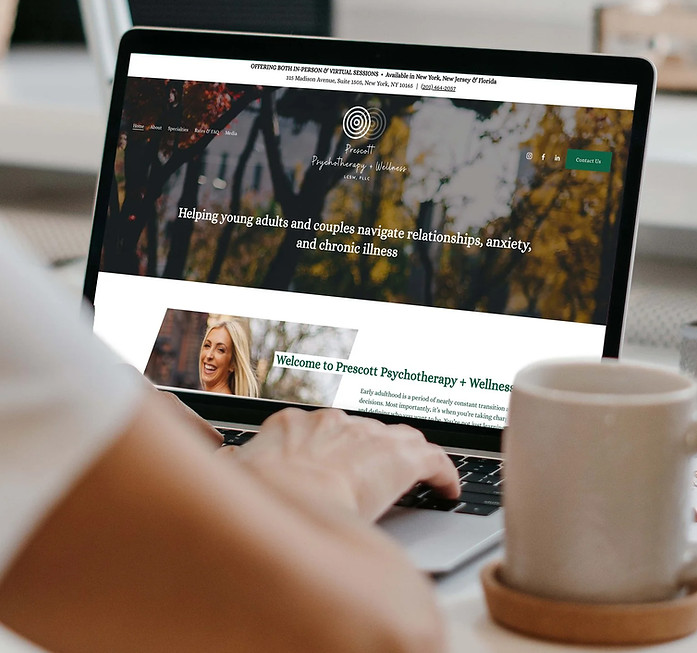
Humans naturally look where other people are looking. If your homepage features a photo of you, a team member, or a customer, where that person's eyes are pointing matters:
Looking straight ahead: When someone in a photo stares directly into the camera, visitors stare right back at their face—and completely miss your headline.
Looking toward your text: When that same person looks or leans toward your headline or signup button, visitors instinctively follow their line of sight straight to your call-to-action.
Simple graphic elements like small directional arrows or icons work the exact same way—they guide the eye without needing a paragraph of explanation.
Style Captures Attention; Ease of Use Keeps It
Designing an effective homepage doesn't mean stripping out your style or making everything look like a generic template. It just means using human habits to your advantage. When you make a page effortless to scan and simple to navigate, visitors feel at ease—and that comfort is what turns a quick visit into an inquiry.
Wondering if your homepage is doing its job? Reach out for a consultation, and let’s make sure your site is designed to convert.


Comments